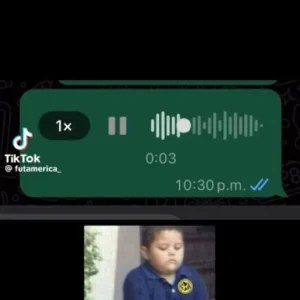

Sticker de la communauté · Animé
Djiny
👤Publié par sible
📥 Ton appareil ne permet pas d’envoyer le fichier directement, on l’a donc téléchargé. Sur téléphone : WhatsApp › stickers › « Créer » et choisis le sticker. Sur ordinateur : glisse-le dans WhatsApp Web.
Envoie-le à un ami sur WhatsApp ou télécharge-le avec son son pour tes discussions et groupes.
ÉTAPE SUIVANTE
✨ Crée-en un nouveau avec son📋 FICHE DU STICKER
- Type
- Vidéo
- Son
- Oui, 10 s
- Format
- WebP 512×512 · 359 KB
- Publié
- 2026-11-29
Créé le noviembre 29, 2026 1:48 am · code 1C9EB65C
✨ PLUS DE STICKERS COMME CELUI-CI






L’ajouter à WhatsApp
- Télécharge le sticker et le son.
- Dans WhatsApp, touche l’icône des stickers › « Créer » et choisis l’image.
- Touche l’icône du son et choisis l’audio. Prêt à envoyer !
Quand l’utiliser
Use “Djiny” to react with style in your WhatsApp chats and groups. Tap it to hear it before sending, download it with its sound or send it straight to a friend.